Tour the 8x8 Work for Desktop interface
8x8 Work for Desktop allows you to effectively and efficiently communicate with your company contacts via phone calls, messaging, meetings, and more. The primary features of the app visible in your navigation menu are as follows:
|
Tab |
Function |
|---|---|

|
Search: Search for contacts by name, phone number, title, and more! |

|
Frontdesk: A flexible and easy-to-use desktop-based application embedded in 8x8 Work for Desktop. |

|
Sales and Account Workspace: is a communication and collaboration tool that helps you build stronger relationships with customers and prospects. You can optimize your sales and account engagement workflows and focus on high-value, long-term deals and relationships. It is dedicated to account & success managers, field sales, outside sales, client sales, account executives, and customer engagement roles. It is using Salesforce® as their company’s CRM. For details about Sales and Account Workspace, please refer to Sales and Account Workspace Quick User Guide. |

|
Call queues: Access your assigned call queues, and view call queue activity details. |

|
Ring Groups: View your assigned ring groups |

|
Calls: Make and manage calls, and review voicemails.
|

|
Contacts: Access and reach out to your favorite, company, and personal contacts.
|

|
Messages: Send chat messages, and access all message history with company and personal contacts via 8x8 Work.
|

|
Meetings: Join, create, and manage meetings. |

|
|

|
Call Recordings: Manage your call recordings. |

|
Call using: Select your microphone and speakers for calls handled in 8x8 Work. |

|
Settings: Personalize your settings to enhance your 8x8 Work experience. |

|
|
 Switch between Expanded Mode and Compact Mode
You can easily switch between the compact and expanded views of the interface by clicking and dragging the edge of your application window. This allows you to select the app view that best suits your needs. When you first log in to 8x8 Work, the app opens in Expanded Mode. Expanded Mode shows two columns of information for at-a-glance access, or three columns if additional information on a contact (or other selected content) is available; check chat logs with a selected contact while viewing their user details, easily see if you've messaged a number that called you, and more.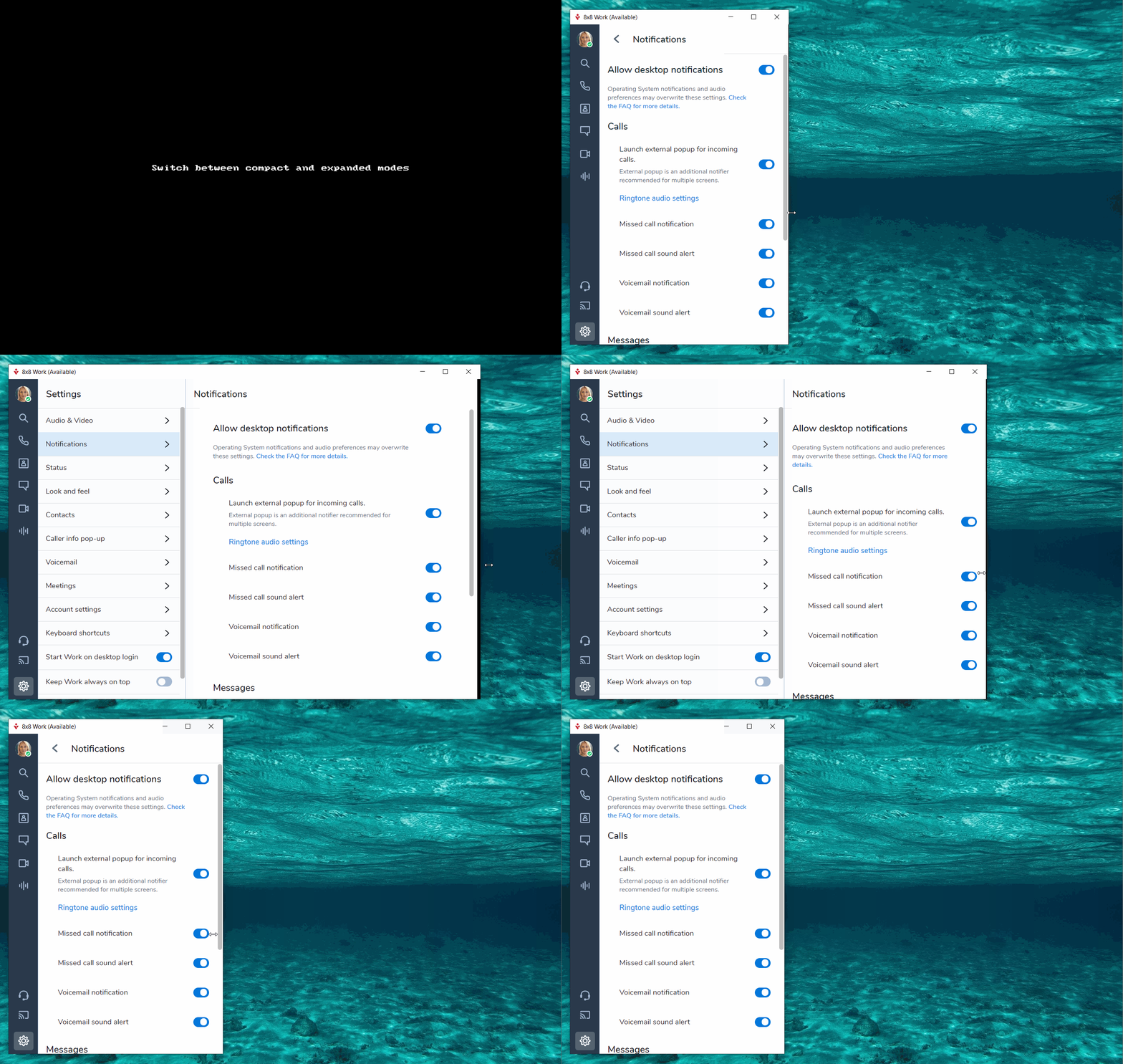
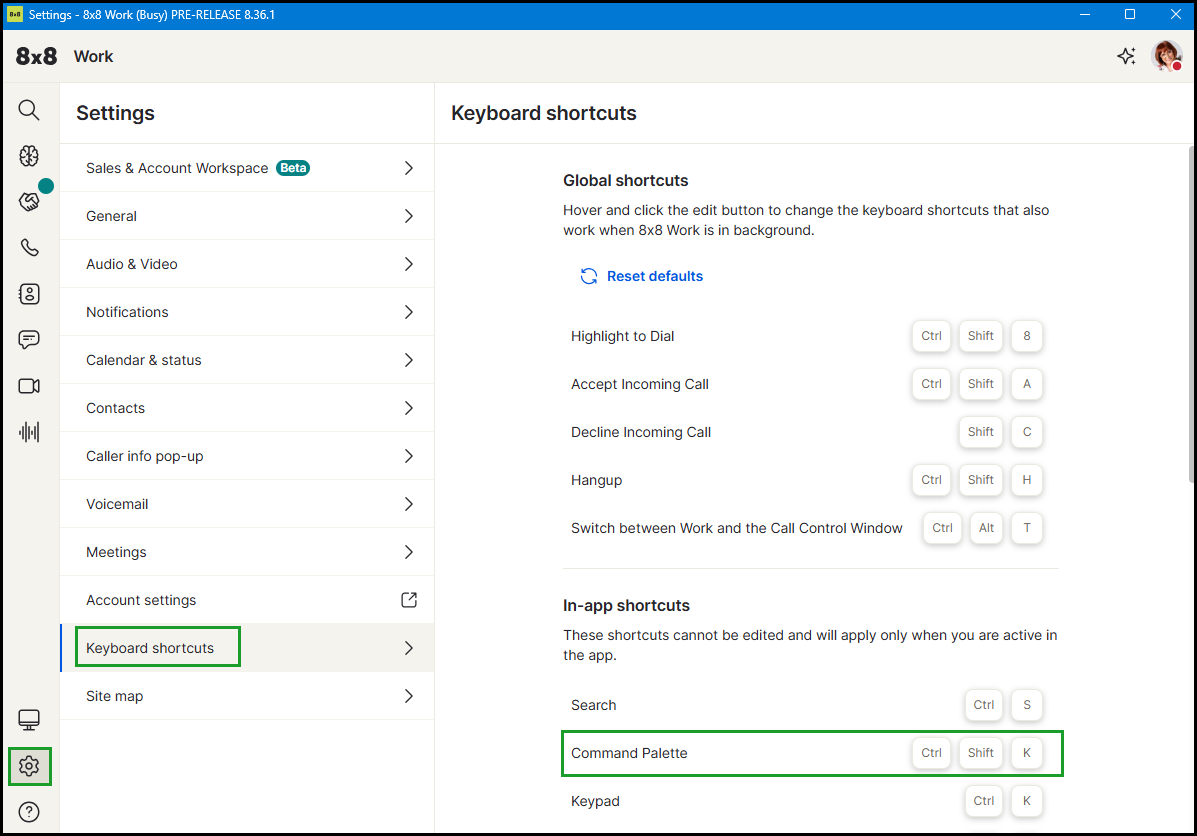
You can also switch between modes by using the Compact/Expanded Modekeyboard shortcut when 8x8 Work for Desktop is open and selected.
Use the Command Palette
The Command Palette gives you a single keyboard shortcut to search and act from anywhere in 8x8 Work for Desktop and 8x8 Work for Web. Use it to find contacts, open rooms, start calls or messages, switch themes, or navigate to any part of the app without leaving your current screen.
You can use the Command Palette to:
- Search for a contact.
- Open a room.
- Start a call.
- Start a message.
- Switch themes.
- Navigate to any section of the app.
- Send feedback.
To open the Command Palette, press Command + Shift + K on Mac or Ctrl + Shift + K on Windows.
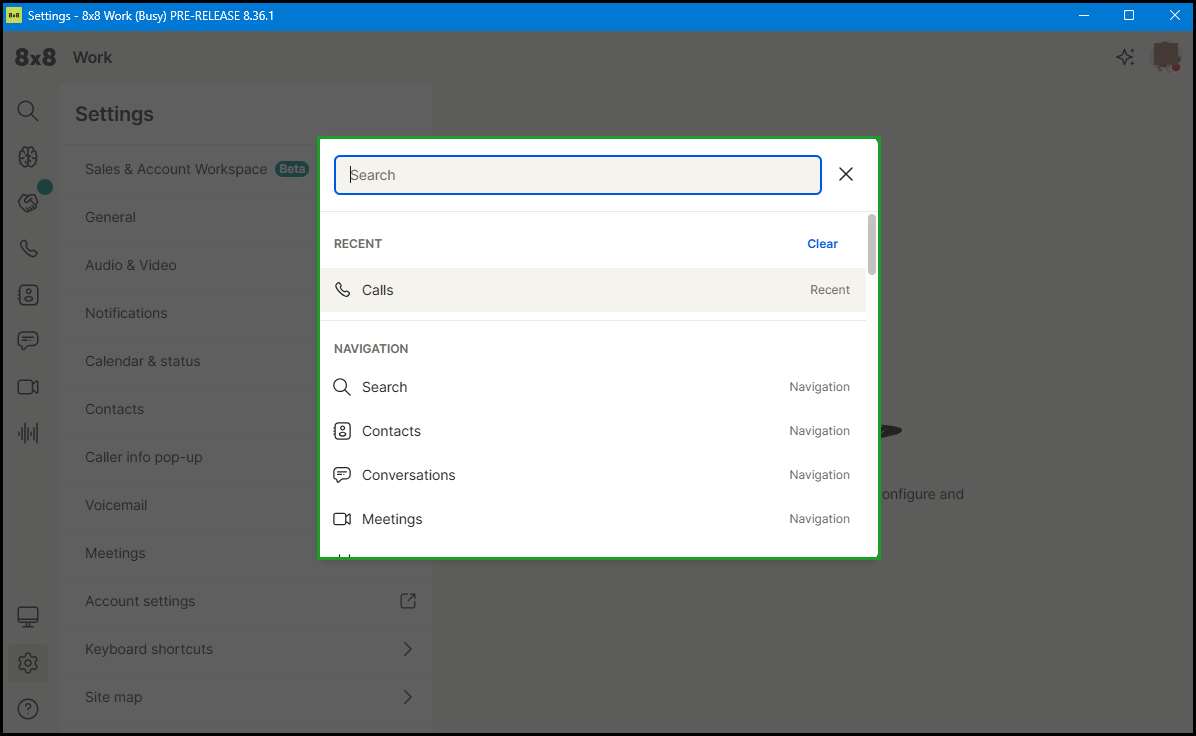
The Command Palette displays recent items and navigation options, such as Contacts, Conversations, and Meetings.
Type a keyword to search. For example, type "audio" to find audio settings, or type "theme" to navigate directly to the theme settings.
To find the Command Palette shortcut, go to Settings and select the Shortcuts tab.